
The Alert module allows you to keep a constant watch over your domains for various events. You can customize alert triggers to notify you of changes in DNS settings or fluctuations in volume.
To get started navigate to the Alerts page and click on the “Create Alert” button.
Step 1: Category and Events
Choose the category you wish to set an alert for. The suggested options are:
- Engagement
- Reputation monitoring
- Volume & Sending Patterns
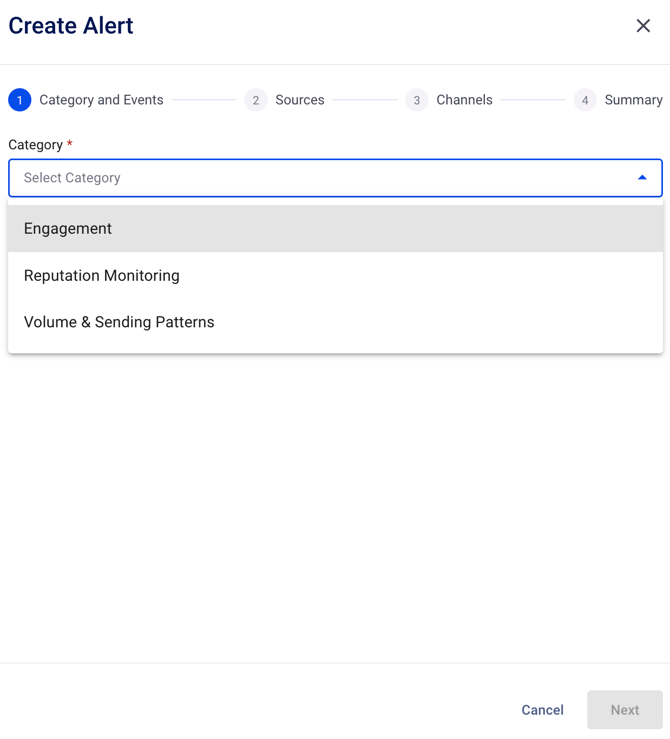
Each of the options will expand to additional settings to finalize the Event: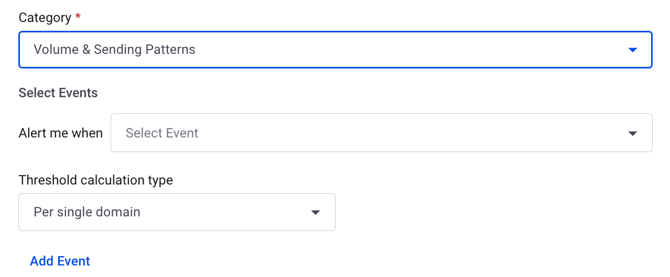
Step 2: Sources
In this example we have proceeded with the Volume & Sending Patterns option.
The second step suggests you to choose the source of the trigger: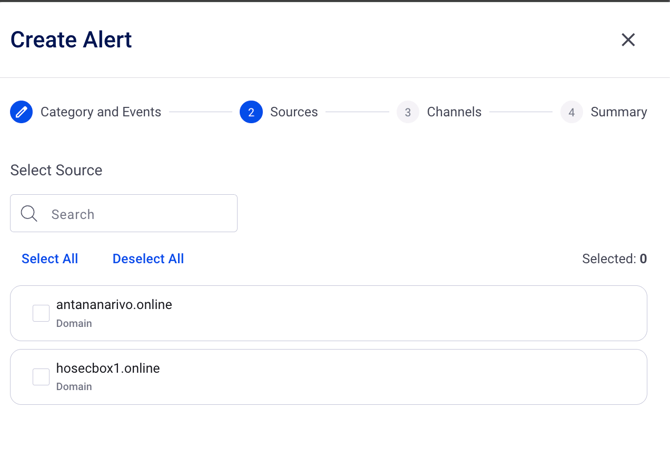
Step 3: Channels
With the current step we shall provide email address/es that should receive the alert: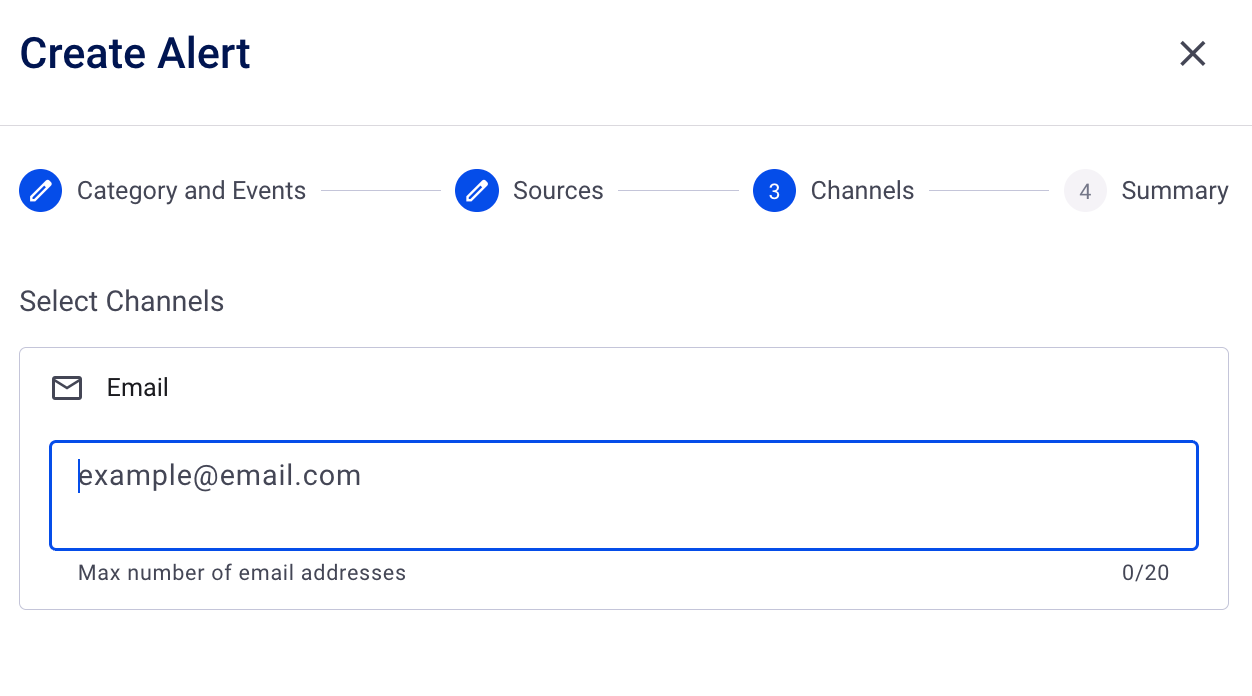
Note: After filling in the address press on the “Enter” button on your keyboard to confirm and enable the “Next” button.
Step 4: Summary
Choose a name for the alert and set a Severity level, as well as review the summary of the alert created. If changes are required you can navigate back with the appropriate button to make modifications.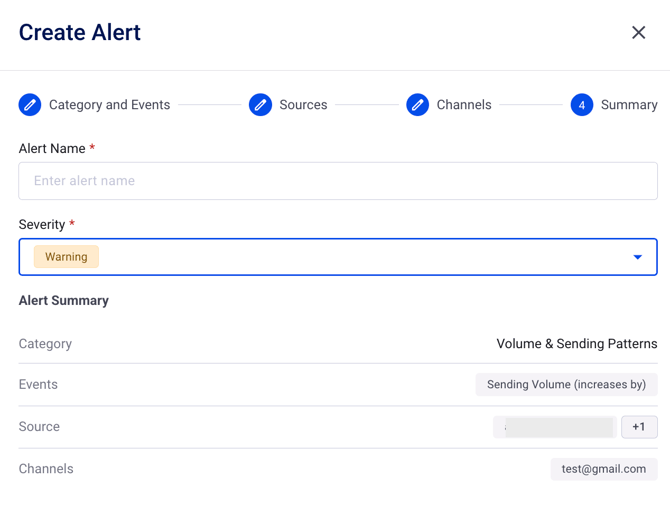
After finalizing the steps click on “Create” button to have the Alert confirmed: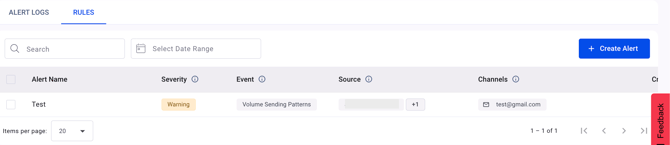
In the interface, you will find two distinct sections: Alert Logs and Rules.
The Rules section displays the events that have been generated, while the Alert Logs showcase the data triggered by any of the active alerts once they have been fulfilled.
Any of the created Alerts can be Edited, Removed or Disabled:
If you have any questions, please don’t hesitate to open a support ticket, and our team will assist you.